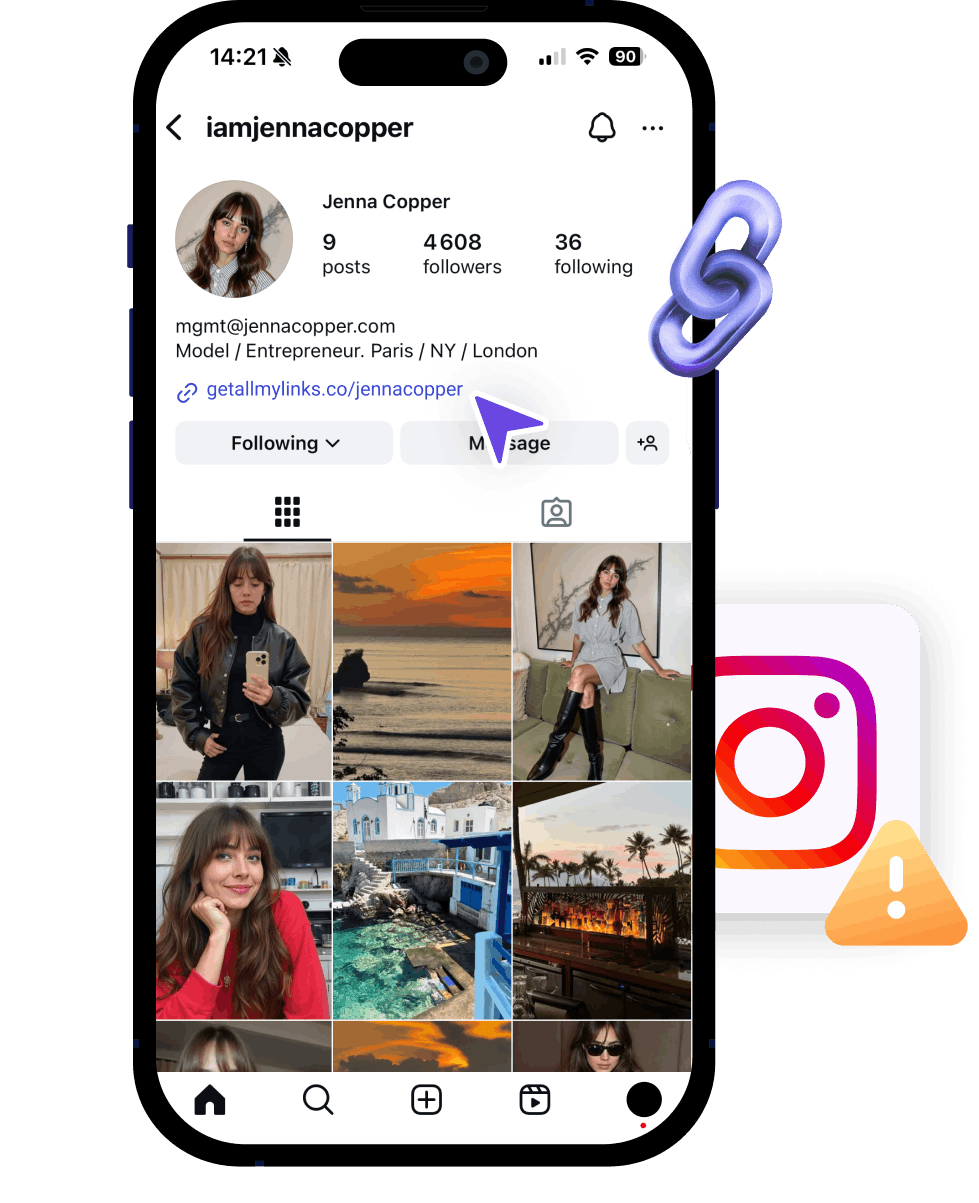
How to Avoid Instagram Bans and Control Your Traffic Funnel

How to Avoid Instagram Bans and Control Your Traffic Funnel

How to Avoid Instagram Bans and Control Your Traffic Funnel

How to Avoid Instagram Bans and Control Your Traffic Funnel

6 ban or limit reach reasons linked to your Instagram activity

If posts or picture are too explicit or suggestive.

If posts or picture are too explicit or suggestive.

Number #1 reason for getting banned is nudity. Instagram is strict about it, so keep your content more neutral.
If you repost the same content from another account

If you repost the same content from another account

Reusing the same videos across accounts is detected at scale.

If you have multiple accounts on the same device, phone number or IP address

If you have multiple accounts on the same device, phone number or IP address

If one account gets flagged, it can lead to all accounts on the same device or IP address being restricted or banned.
If you use trigger words or adult emojis in bio or captions

If you use trigger words or adult emojis in bio or captions

Be very careful with emojis and trigger words. It’s a monitored pattern.

Be very careful with emojis and trigger words. It’s a monitored pattern.

If posts or picture are AI generated, Meta detects an invisible watermark (SynthID)

If posts or picture are AI generated, Meta detects an invisible watermark (SynthID)

If you used nano banana to generate for example, Meta will detect a small pixel called SynthID.
If your Instagram profile is not declared as 18+

If your Instagram profile is not declared as 18+

You must add a 18+ age limit in your parameters (available for creator or business accounts only).

You must add a 18+ age limit in your parameters (available for creator or business accounts only).

6 ban or limit reach reasons linked to your link activity

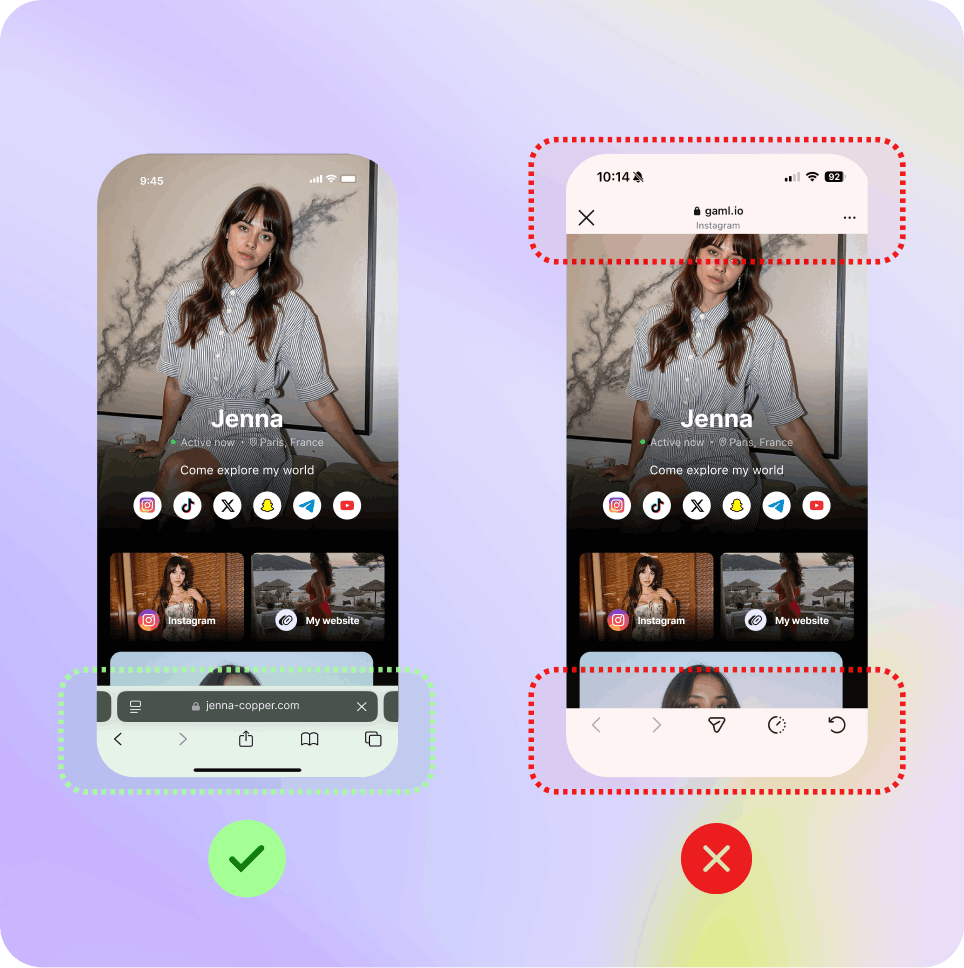
If users open the final destination in the in-app browser

If users open the final destination in the in-app browser

A deeplink pushes users out of the in-app browser. If it doesn’t, they’ll open OF/Fanvue/Uncove within Instagram browser, allowing the platform to detect and log the destination.
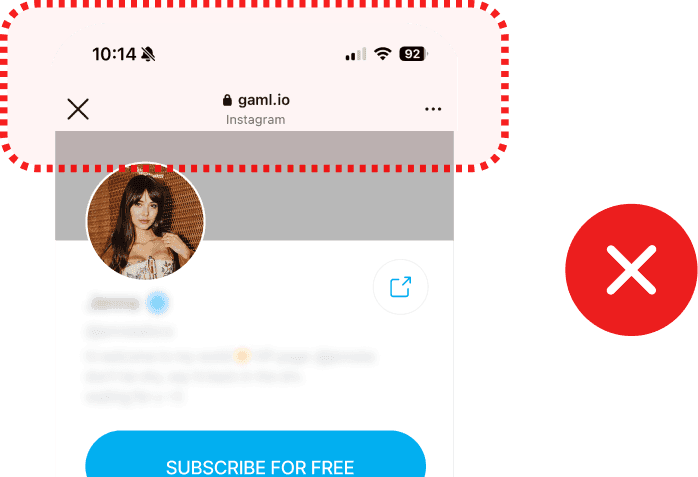
If you use trigger words or adult emojis on your landing page

If you use trigger words or adult emojis on your landing page

Instagram reviews the landing page you link to and may flag your content as sensitive based on the language used there.

If your link gets flagged once and you don’t change the domain

If your link gets flagged once and you don’t change the domain

If your account gets flagged for any reasons above, it will be best to start fresh with a new custom domain. Not just a new link from the same domain.
If you redirect to fan platforms without link protection

If you redirect to fan platforms without link protection

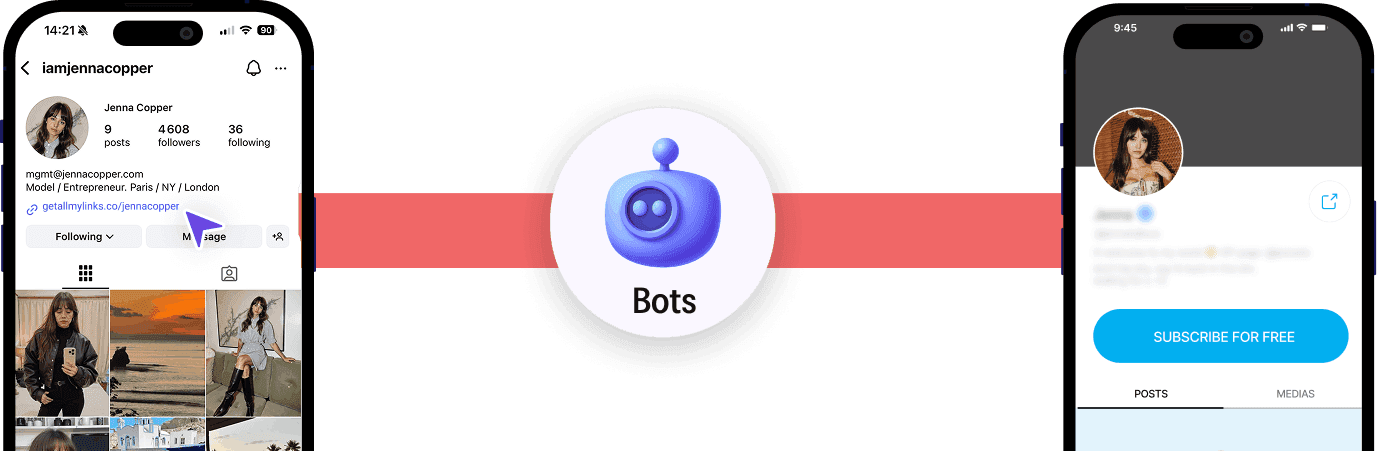
If you add a direct link to OF/Fanvue/Uncove without any protection, Instagram will quickly scan it once it’s in your bio and identify the final destination.


Be very careful with emojis and trigger words. It’s a monitored pattern.

If posts or picture are too explicit or suggestive on the landing page

If posts or picture are too explicit or suggestive on the landing page

Instagram reviews the landing page you link to and may flag your content as sensitive based on the pictures used there.

If you add a link in bio too fast


If you add a link in bio too fast


No surprise here, Meta is not fan of links. If your account is new, wait at least 1 week before adding a link in bio.


You must add a 18+ age limit in your parameters (available for creator or business accounts only).

Creator’s guide

Best practices and recommendation setup

Best practices and recommendation setup

Best practices and recommendation setup

Use custom domains

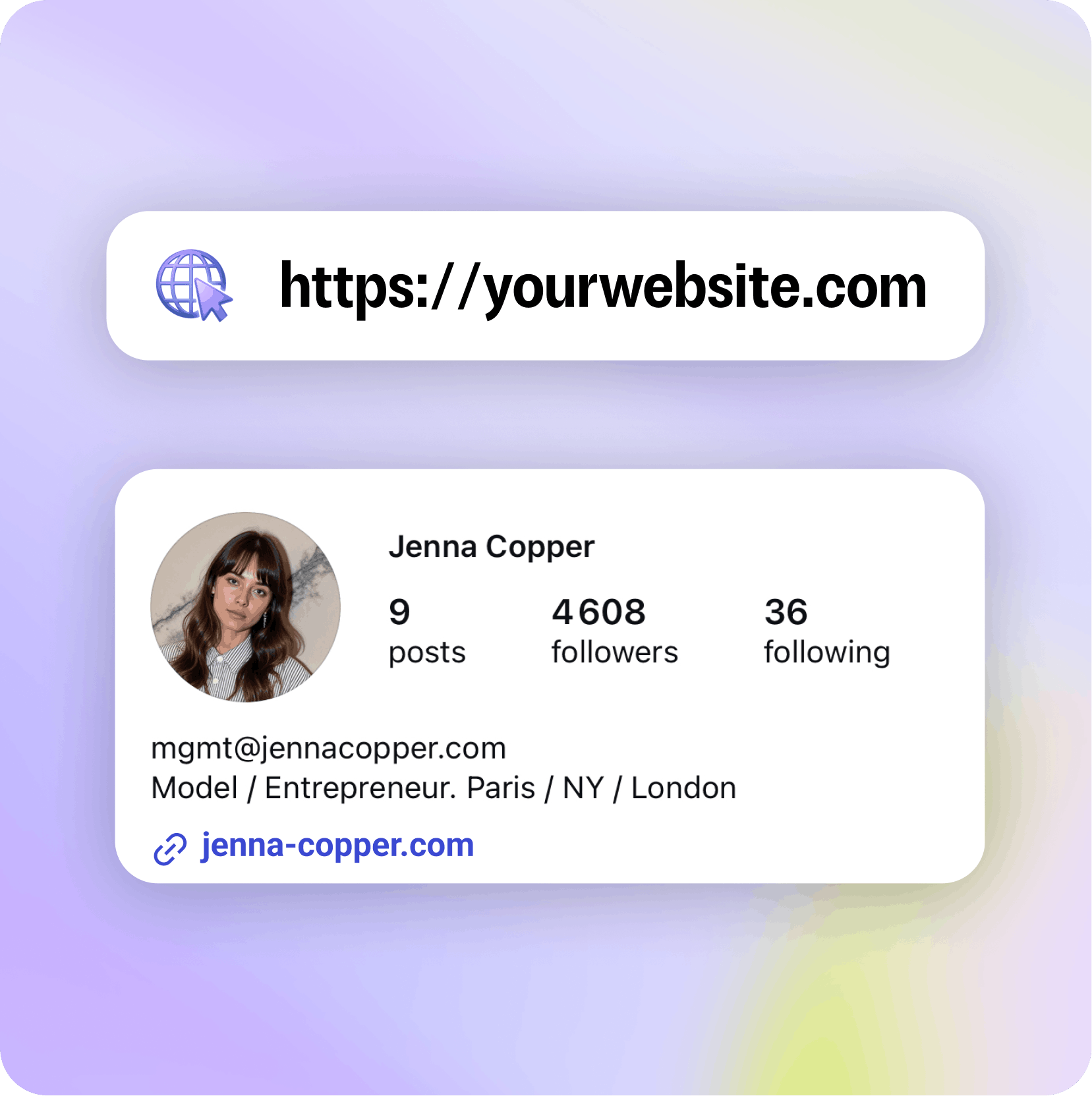
We recommend using custom domains to have more flexibility if your account ever get flagged.

We recommend using custom domains to have more flexibility if your account ever get flagged.

Using a generic domain means you're sharing your link identity with thousands of others.

It’s harder to stand out and easier to get flagged by platforms like Instagram.

If one of your domain get flagged, you can change it easily and start again with a clean setup.
Activate Shield Protection

Activate Shield Protection

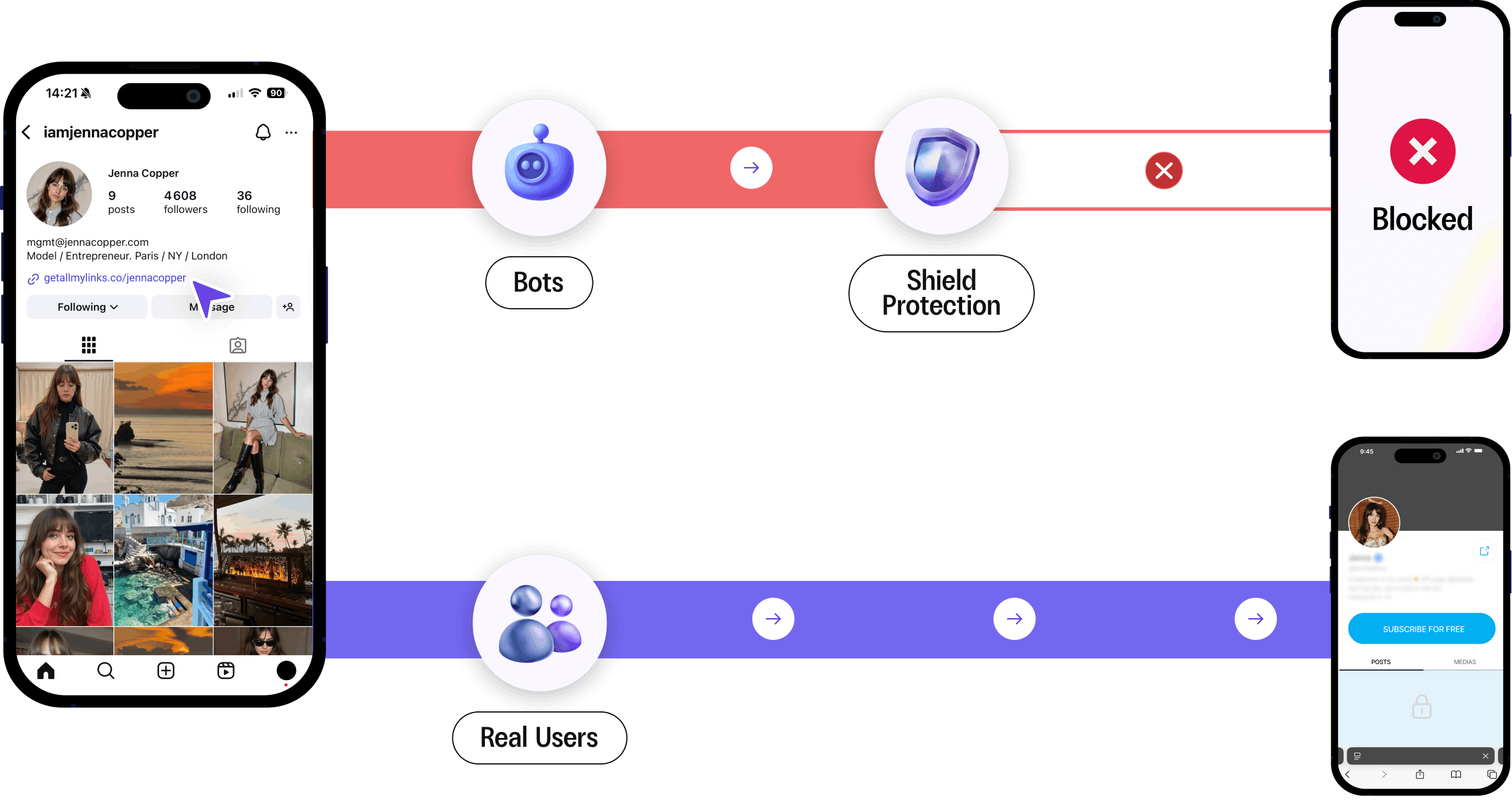
On Instagram, we recommend turning the shield on to prevent Meta bots from reaching your destination URL

On Instagram, we recommend turning the shield on to prevent Meta bots from reaching your destination URL

Shield Protection™ is an advanced security layer for your links. It automatically detects and blocks suspicious traffic before it reaches your page.

Shield Protection™ is an advanced security layer for your links. It automatically detects and blocks suspicious traffic before it reaches your page.

Creator’s guide

Maximize your conversions

Maximize your conversions

Maximize your conversions

The Deeplink functionality

The Deeplink functionality

The Deeplink functionality

The deeplink pushes users out of the in-app browser.

The deeplink pushes users out of the in-app browser.

The final URL is not detected

The final URL is not detected

If you don’t use a deeplink, users will open 18+ destination within Instagram browser, allowing the platform to detect and log it.

If you don’t use a deeplink, users will open 18+ destination within Instagram browser, allowing the platform to detect and log it.

Increase conversions: users are already logged in

Increase conversions: users are already logged in

The deeplink send users out of the in-app browsers where they are connected on Safari or Chrome directly.

The deeplink send users out of the in-app browsers where they are connected on Safari or Chrome directly.

The deeplink works differently across all platforms.

The deeplink works differently across all platforms.

IOS & Android devices will behave differently on Instagram, tiktok, Threads, X, Reddit....etc.

IOS & Android devices will behave differently on Instagram, tiktok, Threads, X, Reddit....etc.

Creator’s guide

Funnel your traffic

Funnel your traffic

Funnel your traffic

You have 2 options to redirect traffic: sending people on a landing page or straight to your final destination

You have 2 options to redirect traffic: sending people on a landing page or straight to your final destination

You have 2 options to redirect traffic: sending people on a landing page or straight to your final destination

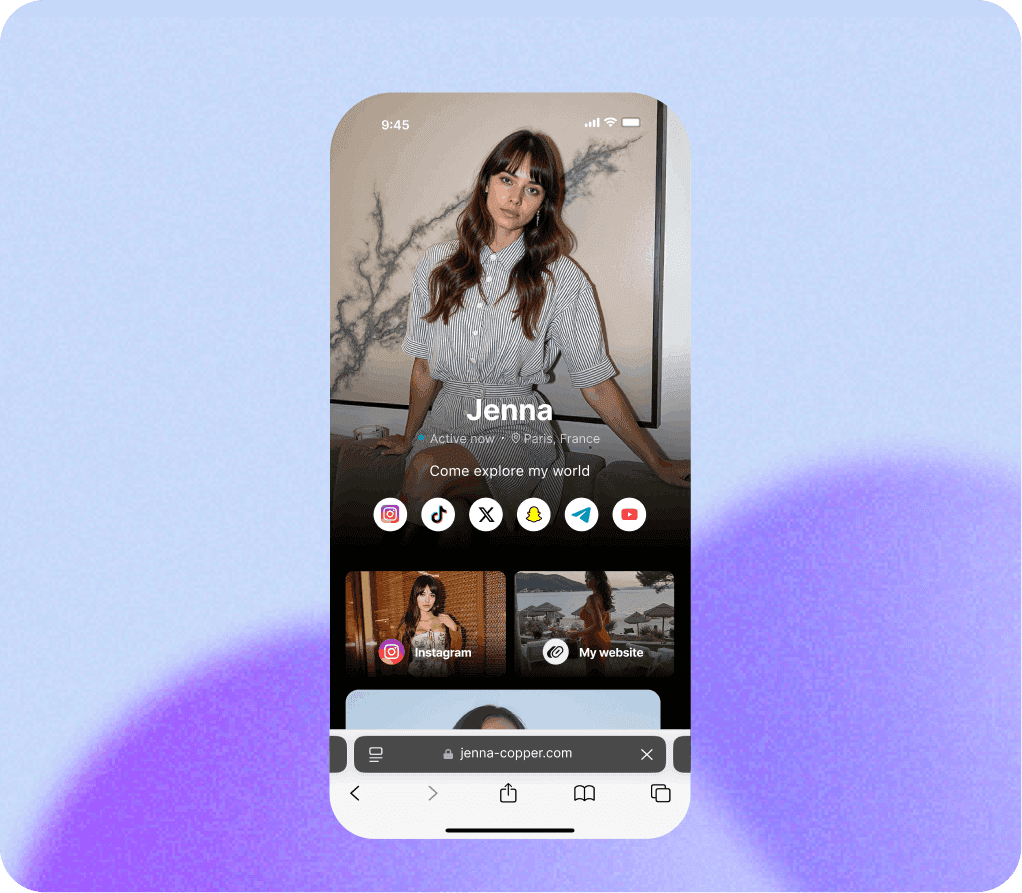
Landing Page

Landing Page

Create a beautiful page with multiple buttons

Better trust and branding

Risk: make sure you don’t use trigger words or adult emojis. If shield is not activated, bots will crawl your page and can conclude your account send traffic to sensitive websites.

Landing Page

Create a beautiful page with multiple buttons

Better trust and branding

Risk: make sure you don’t use trigger words or adult emojis. If shield is not activated, bots will crawl your page and can conclude your account send traffic to sensitive websites.

Direct Link

Direct Link

Direct Link

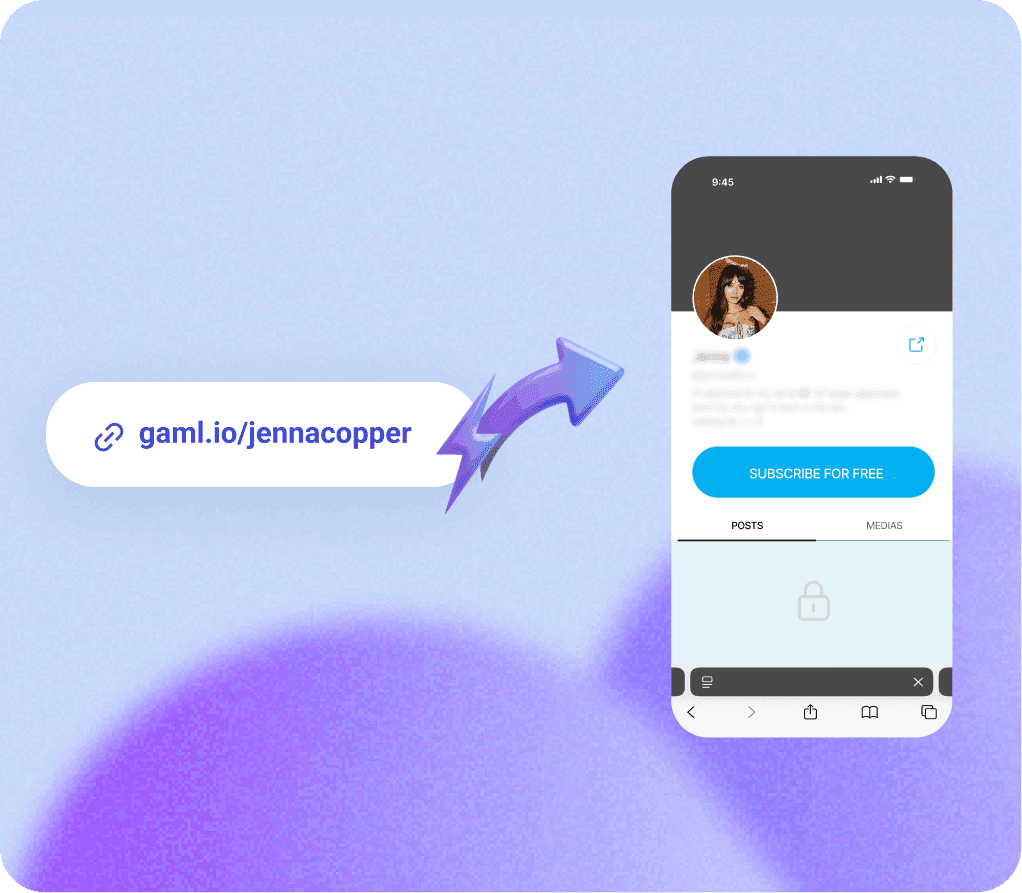
Redirect straight to any destination

Redirect straight to any destination

More direct path, less steps

More direct path, less steps

Risk: if you send to 18+ website without shield protection, bots can easily see you redirect traffic to sensitive websites.

Risk: if you send to 18+ website without shield protection, bots can easily see you redirect traffic to sensitive websites.

The deeplink and the direct link are not forbidden on Meta.

The deeplink and the direct link are not forbidden on Meta.

The deeplink and the direct link are not forbidden on Meta.

It’s a common misconception, but sending users out of Instagram in-app browser or redirect straight without middle page are not prohibited by their terms of service.

Your Instagram account is brand new?

If your Instagram account has just been created, you can follow this setup:

If your Instagram account has just been created, you can follow this setup:

Scroll every day for a few days and start posting before adding any link in bio.

Add a link in bio with a clean content behind it, no 18+ website. For example, just redirect to a normal landing page with an Instagram link. No shield protection needed at this step.

Wait for a few minutes/hours, then activate the shield protection and change the destination URL.
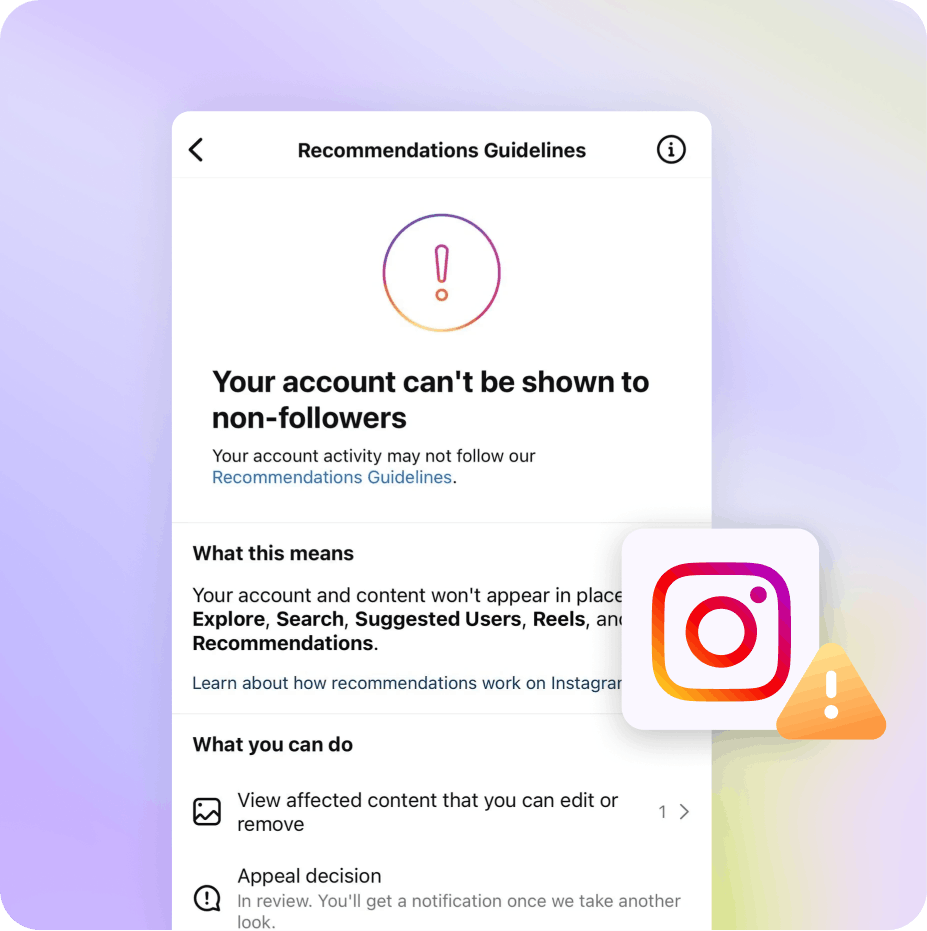
If you follow this setup, Instagram will crawl your link and see a clean content. It sends a good signal. Only add a 18+ destination or content if shield is activated.

If you follow this setup, Instagram will crawl your link and see a clean content. It sends a good signal. Only add a 18+ destination or content if shield is activated.

My account is flagged. What can I do?

If your account is flagged, you can follow this setup:

If your account is flagged, you can follow this setup:

Wait for a few days, don’t add links in bio for now. You can try to add one in your story highlights.

Create a new custom domain

Activate the shield protection

Add the new domain in your bio

Keep in mind that Instagram’s algorithm is constantly evolving. These best practices can help, but it's not an exact science. If your account gets flagged for clear violations, recovery can be difficult.

Keep in mind that Instagram’s algorithm is constantly evolving. These best practices can help, but it's not an exact science. If your account gets flagged for clear violations, recovery can be difficult.

Stay updated, join our telegram community

Join our community on telegram to stay in touch and talked with other creators and agencies
Ready to start?

Create landing pages and direct links instantly, increase your conversions, and protect your social media accounts.

Follow us

Need more informations? Get in touch.

Get support